
Topdon Carpal: The Complete UK Guide to This OBD2 Bluetooth Scanner in 2026
Everything you need to know about the Topdon Carpal — from setup and features to subscription costs and real-world performance. A practical guide for UK drivers and home mechanics.
What Is the Topdon Carpal?
The Topdon Carpal is a compact Bluetooth OBD2 scanner designed for quick, professional-grade car diagnostics through your smartphone. It plugs into your vehicle's OBD2 port — that 16-pin connector usually tucked under the dashboard — and communicates wirelessly with a dedicated app on your phone or tablet.
I picked one up last autumn after getting fed up with warning lights on my ageing Vauxhall Astra. Honestly? It's saved me at least two unnecessary trips to the garage already. The thing's barely bigger than a USB stick, which means you can leave it plugged in permanently without it getting in the way of your knees.
What sets this Topdon diagnostic tool apart from the cheapest code readers on Amazon is the depth of data it pulls. We're not just talking basic fault codes here. You get live sensor data, freeze frame information, and readiness monitors — the kind of stuff that used to require a £300+ workshop scanner just five years ago.
For anyone doing a car check by reg before buying a used motor, pairing this scanner with a motscan vehicle history check gives you both the mechanical picture and the paperwork picture. Belt and braces.
Topdon Carpal A vs the Standard Carpal: What's Different?
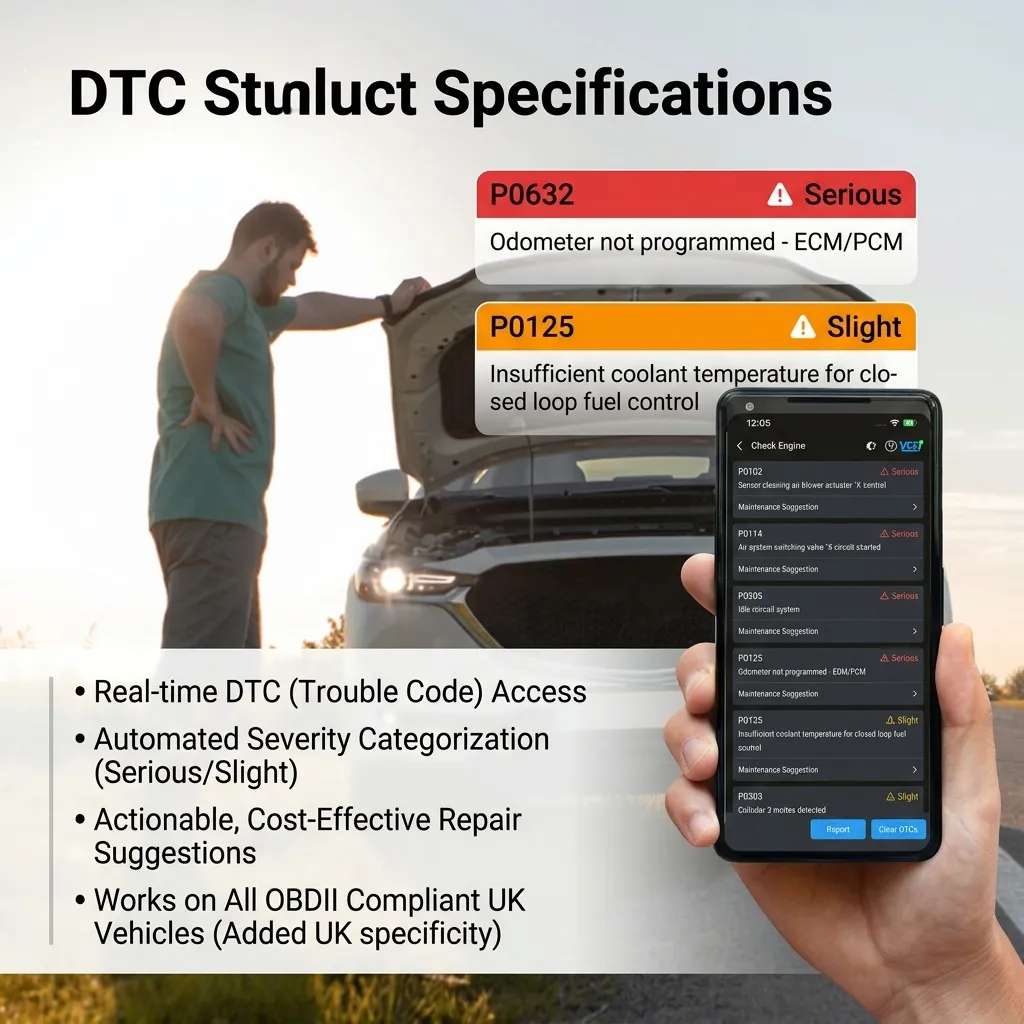
The Topdon Carpal A is the updated variant, and it's the one you'll find most readily available in the UK market as of spring 2026. The differences aren't massive, but they matter.
Hardware Changes
The Carpal A uses Bluetooth 5.0 rather than 4.0. In practice, that means a more stable connection and slightly faster data refresh rates — around 4 frames per second versus 2-3 on the older unit. The housing got a minor redesign too. Slightly more rounded edges, a bit less likely to snag on anything.
Software and App Improvements
Topdon updated their companion app significantly for the A model. The interface is cleaner. Response times improved. You also get access to enhanced vehicle coverage — they claim over 16,000 vehicle models globally, though UK coverage specifically includes most makes registered here since 2001.
Is it worth upgrading if you've already got the original? Probably not, unless you've had Bluetooth dropout issues. But if you're buying fresh, go for the Carpal A — it's typically only £5-£10 more and the connection stability alone justifies it.
One more thing worth knowing: the A model supports a wider range of OBD2 protocols out of the box, including SAE J1850 VPW and ISO 15765-4 CAN. The original sometimes needed a firmware update to play nicely with certain Fords and older Jaguars.
Setup and Bluetooth Connection: Getting Started
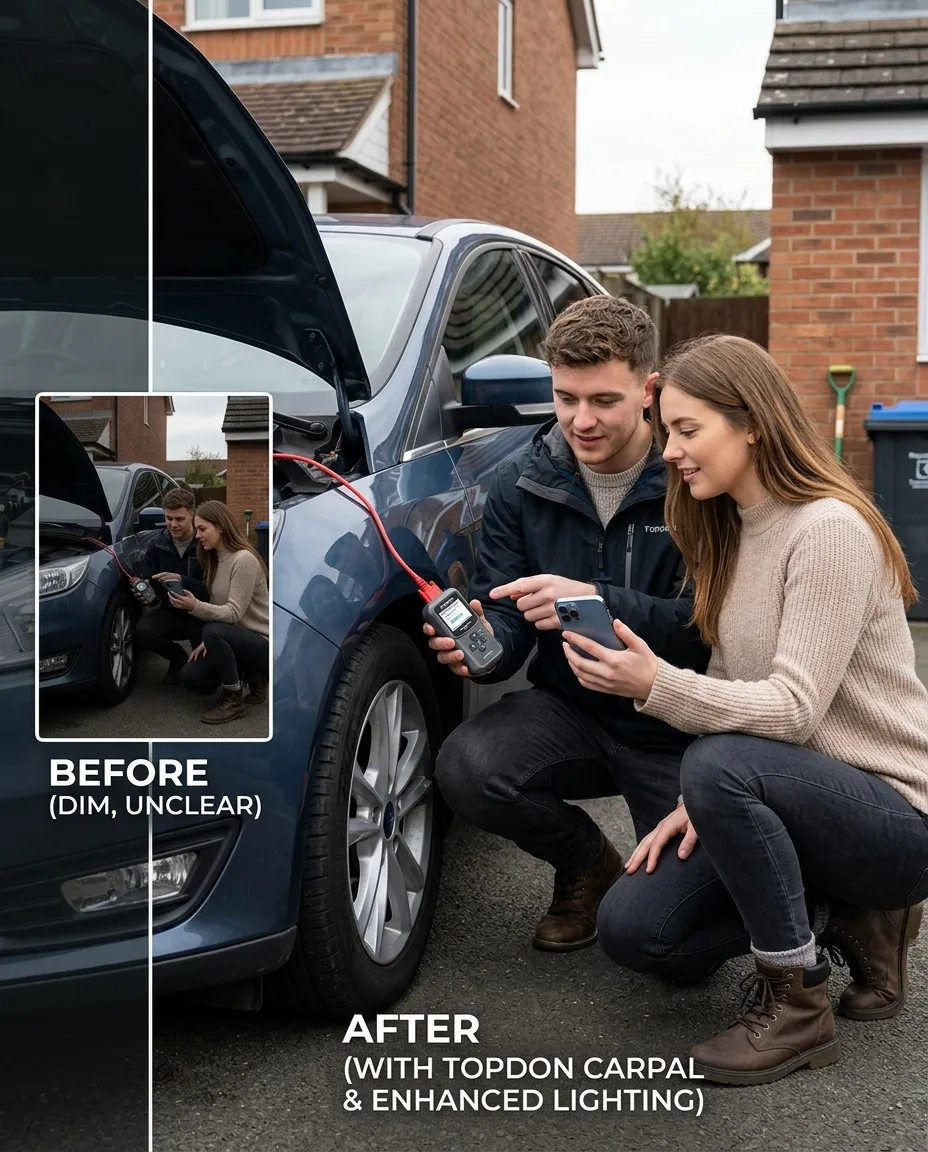
Getting the Carpal OBD2 scanner running takes about 3 minutes. No exaggeration., a favourite among Britain’s tradespeople
Step-by-Step Setup
First, download the Topdon app from the App Store or Google Play. Create an account — email and password, nothing complicated. Then plug the scanner into your car's OBD2 port. Turn the ignition to the "on" position (engine doesn't need to be running for basic diagnostics). Open the app, tap "Connect," and it should find the device within 10-15 seconds.
One thing that caught me out initially: on Android, you need to enable location permissions for the app. Seems odd for a car scanner, but it's a Bluetooth Low Energy requirement on Android — not the app being nosy. The GOV.UK data protection guidance covers why apps need these permissions if you're curious.
Troubleshooting Connection Issues
If it won't pair, check these first:
- Ignition must be on — the scanner draws power from the OBD2 port
- Close other Bluetooth apps that might be hogging the connection
- On iPhones, pair through the app, NOT through Settings > Bluetooth
- Check the LED on the scanner — solid blue means ready, flashing means it's searching
My mate had a nightmare with his because he'd previously paired a cheap ELM327 clone and the phone kept trying to connect to the ghost of that device. Removing old Bluetooth pairings sorted it immediately.
Features and Diagnostic Capabilities
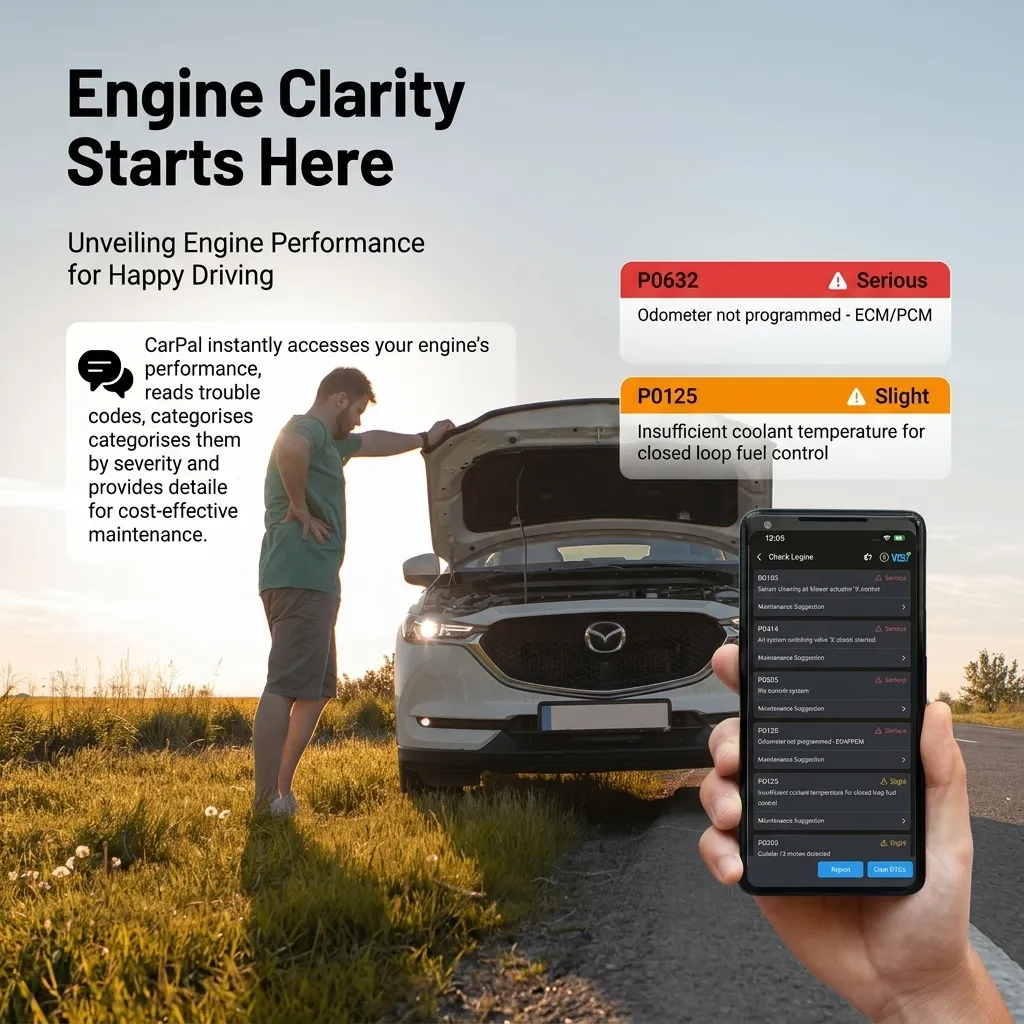
The Topdon Carpal reads and clears diagnostic trouble codes across all standard OBD2 systems. That covers your engine, transmission, emissions, and fuel systems. Here's what you actually get access to:
Live Data Streaming
This is where the scanner earns its keep. You can monitor real-time sensor readings including:
- Engine RPM — accurate to ±10 RPM
- Coolant temperature — useful for spotting thermostat issues
- Fuel trim values (short-term and long-term) — brilliant for diagnosing running problems
- O2 sensor voltages — helps identify failing catalytic converters before MOT
- Vehicle speed, intake air temp, MAF readings
You can graph multiple parameters simultaneously. I've found plotting fuel trim against RPM particularly useful for tracking down vacuum leaks — the trim goes rich at idle but normalises at higher revs if there's a small leak.
MOT Readiness Check
So what's the catch with cheap OBD2 readers? Most of them can't tell you whether your car will pass the emissions portion of an MOT. The Carpal shows I/M readiness monitors — these are the self-tests your car's ECU runs continuously. If any show "not ready," you'll likely fail. Dead useful before booking your test.
For a broader picture of your vehicle's history before MOT, running a free car check UK through motscan alongside the OBD2 data gives you solid preparation.
Freeze Frame Data
When a fault code triggers, the ECU captures a snapshot of sensor values at that exact moment. The Carpal lets you view this freeze frame data, which is genuinely helpful for intermittent faults. You can see exactly what conditions caused the code — engine load, coolant temp, vehicle speed, the lot., popular across England
Topdon Carpal Subscription in the UK: What Does It Cost?
Right, let's address the elephant in the room. The Topdon Carpal subscription UK model has confused a fair few people, and I don't blame them.
The hardware itself is reasonably priced — typically between £25-£45 depending on where you buy it and whether it's the standard or A model. Basic OBD2 functions work without any subscription. You can read codes, clear codes, and view live data straight away.
What's Behind the Paywall?
Premium features — things like enhanced diagnostics, vehicle health reports, and some advanced data logging — require a subscription. As of June 2026, pricing sits around:
Monthly: £4.99/month
Annual: £39.99/year (saves roughly £20 vs monthly)
Lifetime: occasionally offered at £79.99-£99.99 during promotions
Worth the extra spend? For most home mechanics doing occasional diagnostics, the free tier covers 90% of what you'll need. If you're checking cars regularly — maybe you buy and sell, or you look after vehicles for family — the annual plan makes sense. The Which? car reviews section has broader guidance on what diagnostic tools are worth paying extra for.
That said, the free functionality alone puts this ahead of most sub-£30 Bluetooth scanners that don't offer any app at all.
How the Topdon Carpal Compares to Other UK OBD2 Scanners
I've used a handful of OBD2 tools over the past couple of years. Here's how the Carpal stacks up against the most common alternatives you'll find in the UK market this spring:
| Feature | Topdon Carpal A | Generic ELM327 Clone | Carly Universal | Ancel BD310 |
|---|---|---|---|---|
| Price (approx.) | £30-£45 | £8-£15 | £50-£60 + subscription | £35-£50 |
| Connection | Bluetooth 5.0 | Bluetooth 2.0/WiFi | Bluetooth 4.0+ | Wired (cable) |
| iOS Compatible | Yes | WiFi version only | Yes | N/A (standalone) |
| Live Data | Yes — graphing | Basic (via third-party app) | Yes — graphing | Yes — built-in screen |
| Subscription Required | Optional (premium features) | No | Yes (most features) | No |
| Vehicle Coverage | 16,000+ models | Varies wildly | Strong (BMW/VAG focus) | All OBD2 vehicles |
| UK App Support | Dedicated app | Torque/Car Scanner | Dedicated app | N/A |
| Build Quality | Good — compact plastic | Poor — flimsy | Good | Excellent — rubberised |
The sweet spot for most people? The Topdon unit hits that middle ground between the unreliable cheap clones and the pricier subscription-heavy options. If you want the best OBD2 scanner UK buyers can get without committing to monthly fees, it's a strong contender.
For those wanting deeper manufacturer-specific diagnostics beyond standard OBD2 — things like ABS bleeding, injector coding, or DPF regeneration — you'll want to look at all-system OBD2 scanners instead. Different tool for a different job.
Real-World Use: What I've Actually Diagnosed With It
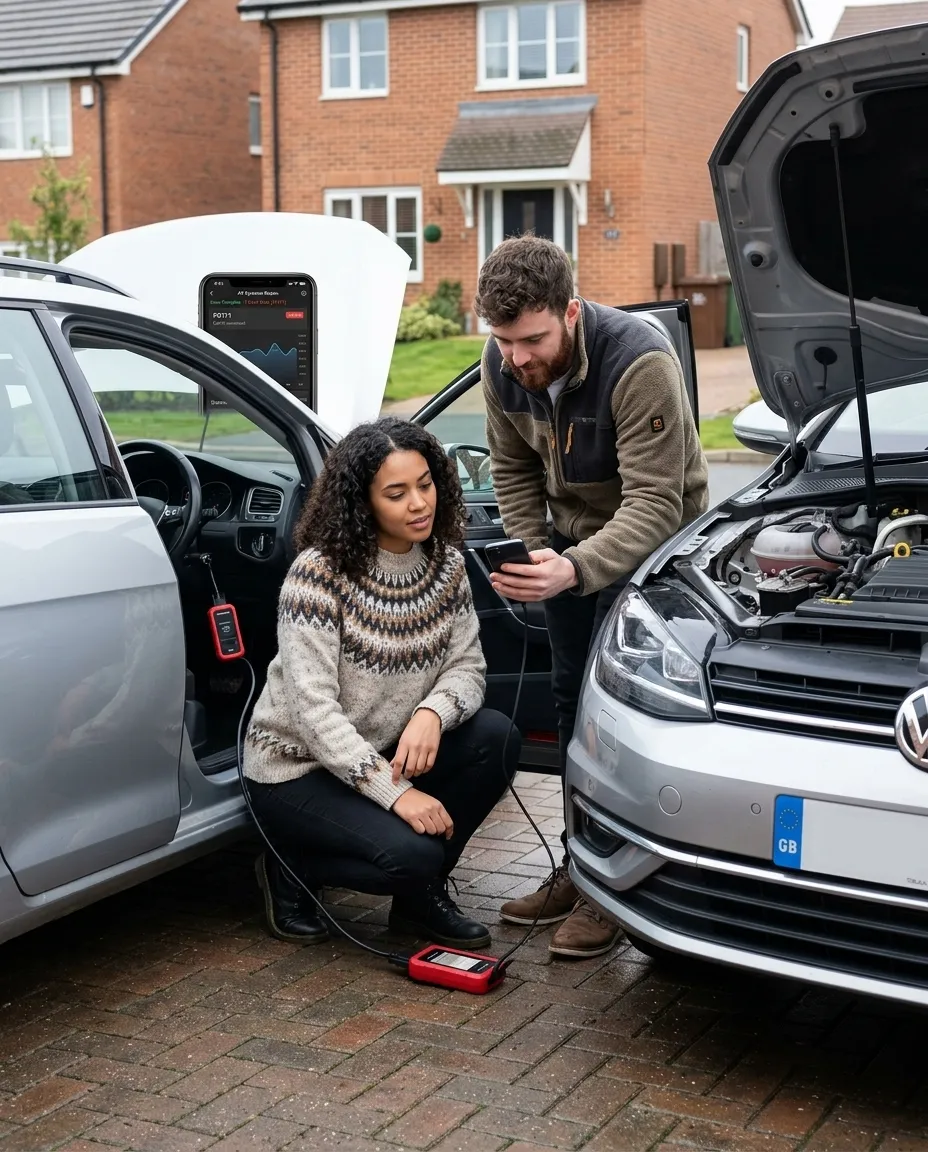
Look, specs and feature lists are one thing. Here's what I've personally used the Carpal OBD2 tool for over the past eight months:
Vauxhall Astra J (2012, 1.7 CDTi): Engine management light came on. Scanner pulled P0401 — EGR insufficient flow. Checked live data, confirmed the EGR valve was sticking. Cleaned it with carb cleaner, cleared the code, hasn't come back since. Garage would've charged £60+ just for the diagnostic., with availability in Scotland
Ford Focus (2015, 1.0 EcoBoost): My neighbour's car was running rough at idle. Fuel trims were showing +18% long-term at idle — classic vacuum leak territory. Found a split intake hose. £12 part from Euro Car Parts. Sorted.
Pre-purchase check on a BMW 320d: Seller said "no issues." Scanner showed a pending P2002 code — diesel particulate filter efficiency below threshold. Walked away. That's potentially a £1,500+ repair. Running a vehicle history check through motscan confirmed the car had also had a mileage discrepancy. Double red flag. (Always run the history check before you even bother with the OBD2 scan, frankly — saves wasting time on cars that are already dodgy on paper.)
These aren't edge cases. This is bread-and-butter stuff that saves real money. The best car check app UK drivers can use combines this kind of mechanical insight with proper history data — and that's exactly what motscan's car check service does alongside physical diagnostics.
Frequently Asked Questions
Does the Topdon Carpal work with all cars in the UK?
It works with all OBD2/EOBD compliant vehicles — that's petrol cars from 2001 and diesel cars from 2004 onwards in the UK. This covers approximately 95% of cars currently on British roads. Older vehicles using OBD1 protocols aren't supported. Check your car has a standard 16-pin OBD2 port, usually located beneath the steering column.
Is the Topdon Carpal subscription mandatory?
No. Basic diagnostic functions — reading codes, clearing codes, live data, and freeze frame — work without any subscription. The paid tier (£4.99/month or £39.99/year as of 2026) unlocks premium features like enhanced reports and advanced data logging. Most home users won't need it for standard fault-finding.
Can I leave the Topdon Carpal plugged in permanently?
Yes, it's designed for permanent installation. The scanner draws minimal current (under 5mA in standby) and enters sleep mode when the ignition is off. It won't drain your battery. That said, if you're leaving a car parked for weeks, unplugging it removes any parasitic draw entirely. The compact 30g design means it doesn't obstruct pedal space.
How does the Topdon Carpal compare to the best Bluetooth OBD2 scanner UK options?
It sits in the mid-range — better build quality and app experience than sub-£15 ELM327 clones, but less manufacturer-specific depth than premium tools like Carly (which costs £60+ plus mandatory subscription). For standard OBD2 diagnostics at £30-£45 with optional rather than compulsory subscription fees, it's good value in the UK market.
Will the Topdon Carpal help me pass my MOT?
It can't guarantee a pass, but it shows I/M readiness monitors — the self-tests your ECU must complete before emissions testing. If monitors show "not ready," you'll likely fail. The scanner also reveals pending codes that haven't triggered the dashboard light yet. Checking these before your MOT booking, alongside a GOV.UK MOT check, gives you the best preparation possible.
Can I use the Topdon Carpal for a car history check?
The scanner checks current mechanical condition — fault codes, sensor data, and system health. For a full car history check UK buyers need (mileage verification, outstanding finance, write-off status, stolen checks), you'll need a dedicated service like motscan. Using both together gives you the most thorough pre-purchase assessment available.
Key Takeaways
- The Topdon Carpal is a Bluetooth OBD2 scanner priced between £30-£45 that gives you professional-grade diagnostics through a smartphone app — no laptop required.
- The Carpal A model (2026) uses Bluetooth 5.0 for more stable connections and covers 16,000+ vehicle models including most UK-registered cars from 2001 onwards.
- No subscription is required for core functions — code reading, clearing, live data, and freeze frames all work on the free tier.
- Optional premium subscription costs £39.99/year for enhanced reporting and advanced features, though most home mechanics won't need it.
- I/M readiness monitoring makes it a practical pre-MOT tool — check your emissions systems are ready before booking your test.
- For pre-purchase vehicle checks, pair OBD2 diagnostics with a proper vehicle history check from motscan to cover both mechanical condition and paperwork.
- It won't replace manufacturer-specific diagnostic tools for advanced functions like DPF regeneration or ABS bleeding — but for standard fault-finding, it's spot on.
Ready to try Topdon?
Shop Now — £98.75